Community Edition · 1.18.9

Look unreal.
Stay vanilla.

A cinematic visual studio for Minecraft. 108 modules, eight one-key presets and a glass interface that makes every setting feel intentional — all client-side, on Fabric.

Fabric 1.21.11 · Java 21 · ~170 MB

Modules
108
Menu worlds
25
HUD widgets
21
Languages
9
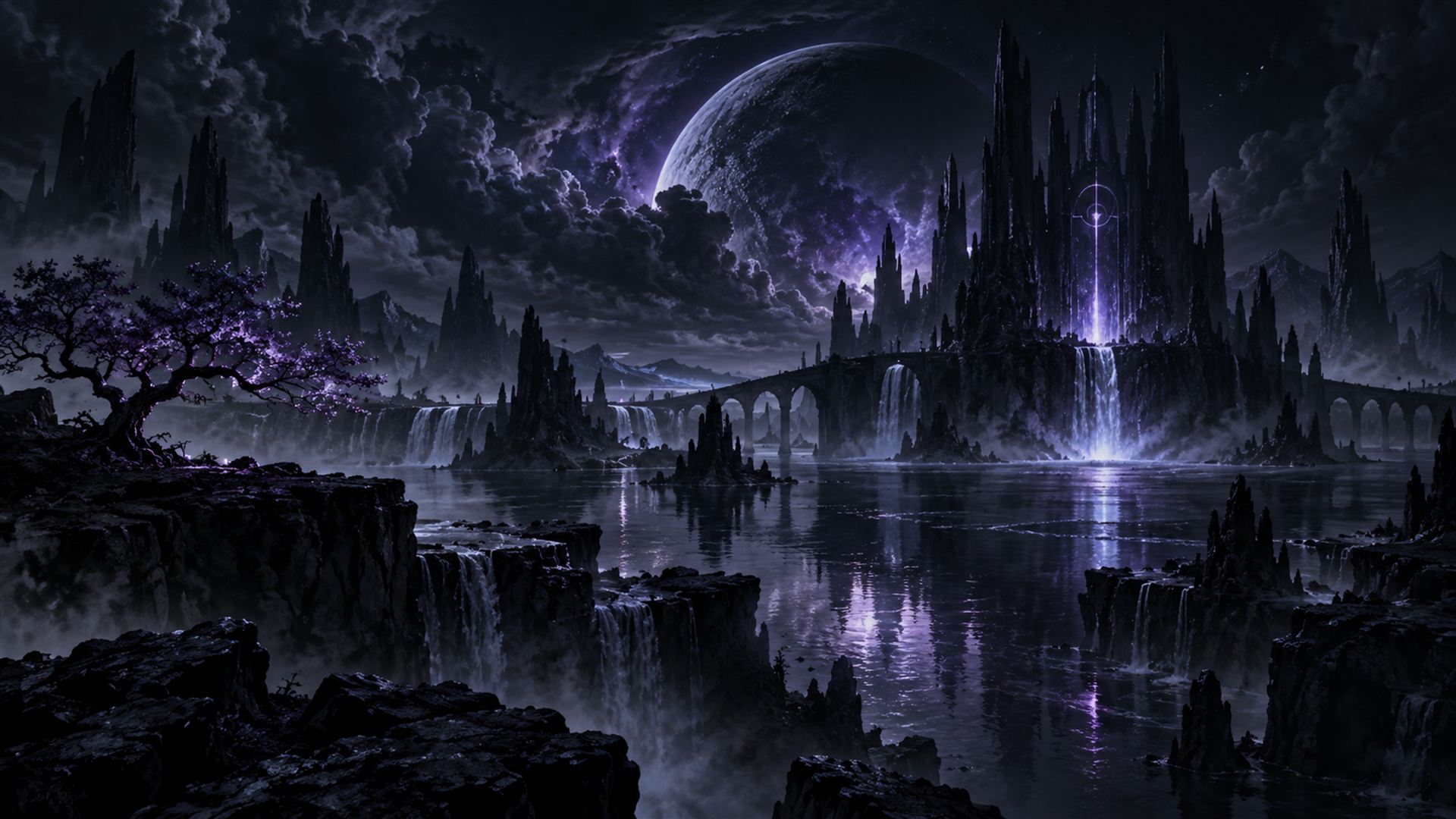
Moonlit Citadel, one of the menu backdrops bundled with Visual Client
Menu backdrop Moonlit Citadel

The showcase

Twenty-five menu worlds.
Yours to pick.

Every backdrop below is bundled with the mod. Swap between them in Style, or import your own art and let the client frame it with glass, blur and motion.

Inside the mod

A studio, not a
settings menu.

Press Right Shift and the client opens as a searchable, draggable workspace. Eight tabs, live previews, plain-language descriptions and a real undo for bulk edits.

The studio shell

Eight tabs, one window, zero guesswork.

Visuals, Presets, World, Environment FX, HUD, Style, Configs and Setup. Search across modules and their settings, dock the inspector, and move the window wherever you want it.

  • Visuals
  • Presets
  • World
  • Environment FX
  • HUD
  • Style
  • Configs
  • Setup

Combat & PvP

Readable, punchy, never noisy.

Crystal and anchor visuals, hit sparks, damage feedback, a custom crosshair and attack indicator, totem pop skins, low shield, small sword and 3D weapons.

  • Crystals
  • Anchor FX
  • Hit Effects
  • Totem Skins
  • Crosshair

Cosmetics

Wings, halos, pets, trails.

Angel wings, halos, China hats, 3D skin layers, animated pets, player trails, capes and emotes — including a lighter-and-smoke cigar emote on H.

  • Angel Wings
  • Pets
  • Halo
  • Player Trails

World & atmosphere

Weather you can actually see.

Custom and per-dimension skies, realistic rain, rolling mist, volumetric light, visible wind and leaves, meteor showers, fireflies, storms and seasonal palettes.

  • 23 Sky Options
  • Realistic Rain
  • Dynamic Mist
  • Wind FX
  • Fireflies

HUD, built to drag

21 widgets, exact placement.

FPS, ping, CPS, coordinates, speed, armour, effects, keystrokes, memory, session, now playing and more. Move, scale and restyle each widget in the HUD editor.

  • 21 Widgets
  • HUD Editor
  • Keystrokes
  • Now Playing

Configs that travel

Profiles, import, export, undo.

Save and load named profiles, import and export them as files, and undo a preset or bulk colour pass in one click. Switching presets keeps your language and editor layout.

  • Profiles
  • Import / Export
  • Undo
  • 9 Languages
All 108 modulesTen categories, from combat to weather to configs.

Player 41

3D Skin Layers, 3D Swords, Angel Wings, Attack Indicator, Camera Motion, China Hat, Cigar Emote, Custom Crosshair, Custom FOV, Damage Feedback, Enchant Glint+, Fake Player, Font Changer, Footsteps, Freelook, Glass, Halo, Hand Animations, Hit Effects, Jump Circles, Larp, Low Axe, Low Shield, Name Changer, Pets, Player Afterimages, Player Animations, Player Effects, Player Trails, Shockwave, Skin Changer, Small Sword, Swing Afterimage, Swing Customizer, Swing Speed, Sword Inspect, Tools, Totem Particles, Totem Size, Totem Skins, Viewmodel.

Environment FX 23

Ashfall, Atmosphere, Celestial Effects, Constellations, Custom Dimension Skies, Emberstorm, End Atmosphere, Falling Leaves, Heat Distortion, Jungle Mist, Lavafall Mist, Lightning, Mountain Winds, No Clouds, Ocean Spray, Pollen Drift, Realistic Fog, Shooting Stars, Skyboxes, Storm, Swamp Fog, Water Ripples, Weather.

Render 15

Depth of Field, Dynamic Mist, Dynamic Reflections, Eye Adaptation, Glassier Glass, Item Physics+, Landing FX, Meteor Shower, Portal Distortion, Realistic Rain, Reality Glitch, Shulker Preview, Smart Waypoints, Volumetric Light, Wind FX.

World 7

Anchor FX, Anchor Shader, Block Highlights, Camera, Color Grading, ExplosionFX, Fullbright.

Entities 5

Dropped Items, End Crystals, Hostile Mobs, Nametags, Projectiles.

Settings 5

Creamy Keys, Custom Sounds, Discord Rich Presence, Menu Buttons, Performance.

Environment 5

Clear Ancient Debris, Clear Lava, Clear Water, No Particles, Visible Powder Snow.

HUD 3

Experience, HUD, Now Playing.

Misc 2

Auto Reconnect, Cinematic Menus.

Particles 2

Ambient Particles, Fireflies.

One key, whole look

Eight presets.
Zero setup.

Each preset resets the visual stack to a curated recipe instead of piling onto whatever was already on. Not feeling it? Undo restores your previous look — even your language.

Max Visuals

Everything on, tuned for screenshots. Aurora skies, dense totem bursts and full effects.

  • Showcase
  • F9

PvP Clean

Minimal sparks, readable nametags and no clutter. Built for fights you want to win.

  • Combat
  • F8

PvP Plus

Combat essentials with a little more shine — star hits, bloom and afterimages.

  • Combat
  • Bindable

Cinematic

Silver Storm skies, soft depth, light shafts and a filmic, desaturated palette.

  • Cinematic
  • Blur on

Autumn

Amber mist, drifting leaves, golden pollen and low, warm light through the trees.

  • Seasonal
  • Leaves

Christmas

Frosted air, snowfall and seasonal colour without turning the world into a market stall.

  • Seasonal
  • Snow

High FPS

Trimmed effects, a 240 FPS target and reduced bloom for competitive framerates.

  • Performance
  • 240 FPS

Default

A calm, neutral starting point. Every module at its authored defaults.

  • Balanced
  • Neutral
F6Cycle palette
F7Apply custom colours
F8PvP Clean
F9Max Visuals
RShiftOpen the studio

Make it yours

Seven palettes.
Nine languages.

The client's accent colour runs through the studio, HUD, hit effects and trails. Pick a palette below to preview it on this page.

Studio palettes

Tap to try. In-game, colours apply globally or per effect group.

Palette preview is a website demo; in-game themes also tint glass, buttons and highlights.

Speaks your language

The full interface, module descriptions and tooltips.

  • English
  • Deutsch
  • Español
  • Français
  • Italiano
  • Polski
  • Português (BR)
  • Русский
  • Українська
21HUD widgets
23Sky options
7Palettes

Skies worth looking up for

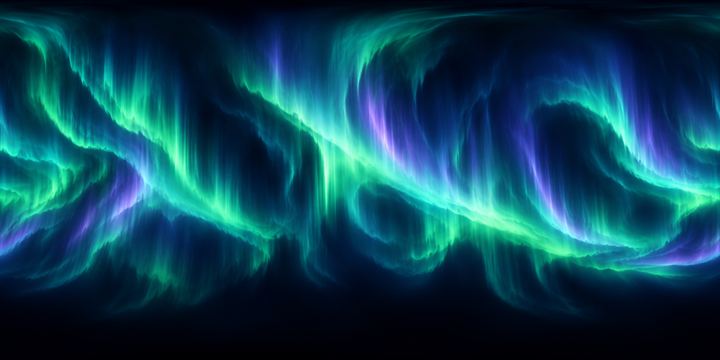
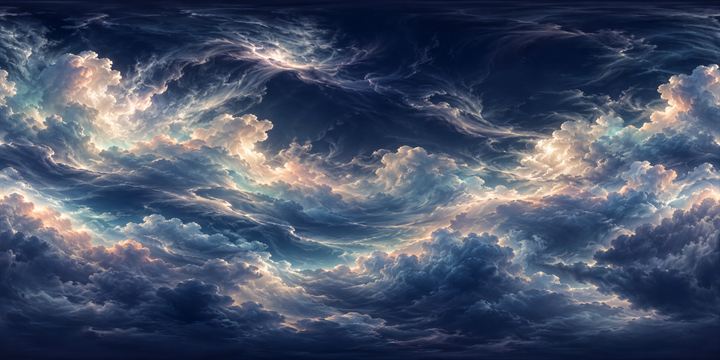
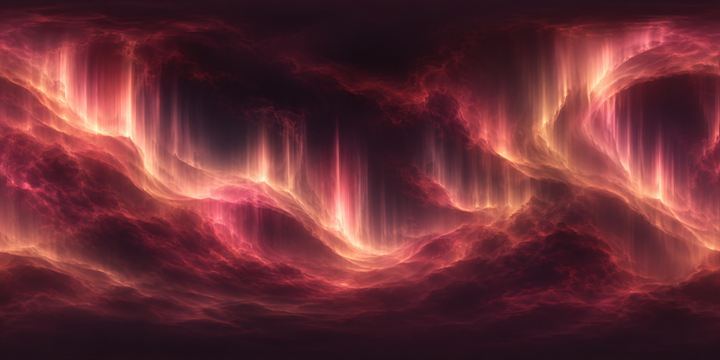
Twenty-two authored sky scenes, a custom-image slot and separate skies for each dimension. Import your own panorama and it joins the list.

  • Aurora Veil
  • Glacial Cosmos
  • Opal Sanctuary
  • Solar Drift
  • Custom image
Aurora Silk sky scene
Aurora Silk
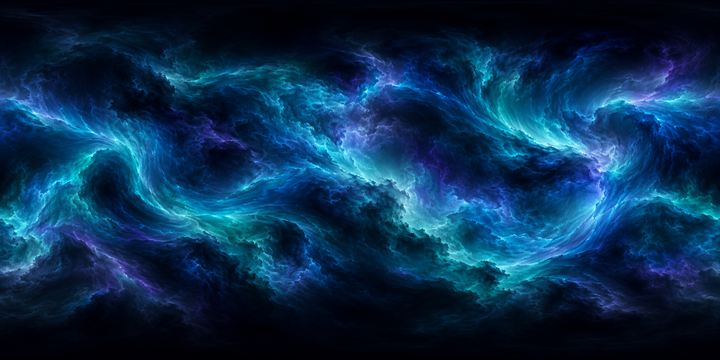
Glacial Cosmos sky scene
Glacial Cosmos
Opal Sanctuary sky scene
Opal Sanctuary
Roseglass Aurora sky scene
Roseglass Aurora
Astral Tide sky scene
Astral Tide
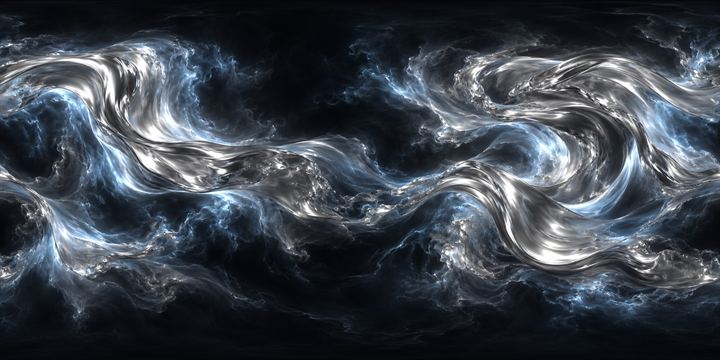
Chrome Nebula sky scene
Chrome Nebula

Install

Running in
four steps.

  1. 01

    Install Fabric

    Set up Fabric Loader 0.18.4 or newer for Minecraft 1.21.11, with Java 21 installed.

  2. 02

    Add Fabric API

    Place Fabric API 0.141.3+1.21.11 in your instance's mods folder. Visual Client depends on it.

  3. 03

    Drop in the mod

    Add visual-client-1.18.9.jar to mods. Use the normal jar, never the -sources build.

  4. 04

    Open the studio

    Launch the game and press Right Shift. Everything saves to config/visualbyaxolbtc

Questions

The short answers.

Do I need an account, licence key or launcher?

No. Visual Client is a normal Fabric mod — drop it in mods and play. There is no sign-in, key check or separate launcher.

Can I use it on servers?

It is client-side, so servers do not install anything. Server rules and anti-cheat still apply, and some servers restrict visual or combat-adjacent mods — check before joining.

Does it work with shader packs?

Yes, with sensible fallbacks. Modules that would fight a shader pack (rain, fog, lighting, vegetation sway) defer to it so you don't get doubled effects.

Will it hurt my framerate?

Every effect has performance settings, and the High FPS preset trims bloom, particle counts and distance. The performance module also has adaptive quality and an entity cap.

Where are my settings stored?

In config/visualbyaxolbtc inside your Minecraft instance. Profiles can be exported and imported as files, and presets keep your language and editor layout.

What is the Community Edition?

This release focuses on the visual studio. It excludes World Shaders, Party and Tomorrowland, and does not include authentication, licence checks, hardware identification or private server integrations.

Which version do I download?

Use visual-client-1.18.9.jar. The -sources jar in the build folder is for developers and will not load as a mod.

Community Edition · 1.18.9

Ready in four minutes.

One jar, one dependency, no account. Press Right Shift and start with a preset — then make it yours.

~170 MB · Fabric 1.21.11 · Java 21